Graphic associate interaction
3.2.13 Graphic Associate Interaction — a graphic interaction with a set of choices defined as areas of an image. The candidate’s task is to associate the areas (hotspots) with each other.
Also see the attributes shared by every interaction on the overview page. This interaction doesn’t use the shared drag/drop mixins — it implements its own click-to-connect logic: click one hotspot, then another, and a line is drawn between them (an SVG overlay on top of the image).
Example
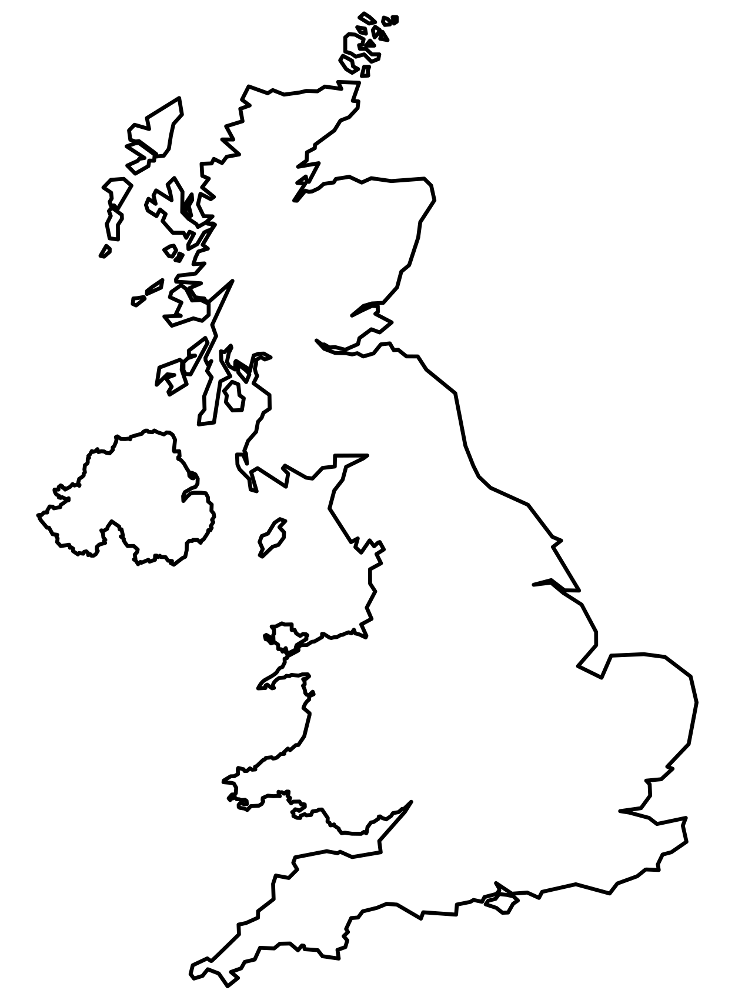
<qti-graphic-associate-interaction response-identifier="RESPONSE"> <qti-prompt>Mark the airline's new routes on the airport map.</qti-prompt> <img src="/assets/qti-graphic-associate-interaction/uk.png" alt="Map of United Kingdom airports" width="206" height="280" /> <qti-associable-hotspot shape="circle" coords="78,102,8" identifier="A" match-max="3"></qti-associable-hotspot> <qti-associable-hotspot shape="circle" coords="117,171,8" identifier="B" match-max="3"></qti-associable-hotspot> <qti-associable-hotspot shape="circle" coords="166,227,8" identifier="C" match-max="3"></qti-associable-hotspot> <qti-associable-hotspot shape="circle" coords="100,102,8" identifier="D" match-max="3"></qti-associable-hotspot></qti-graphic-associate-interaction>Hotspot positions are computed as percentages of the image’s width/height attributes (or its natural size if unset) — the image must be present and correctly sized for coords to line up.
qti-associable-hotspot
| Attribute | Notes |
|---|---|
identifier | |
shape | circle | rect | ellipse | poly — each with its own coords format (a circle is cx,cy,r). |
coords | |
match-max | Read by QTI conformance data; not enforced directly in this component’s own click-handling logic. |