Graphic order interaction
3.2.11 Graphic Order Interaction — a graphic interaction with a corresponding set of hotspot choices defined as areas of an image. The candidate’s task is to impose an ordering on the hotspots.
Also see the attributes shared by every interaction on the overview page, and min-choices/max-choices from ChoicesMixin.
Example
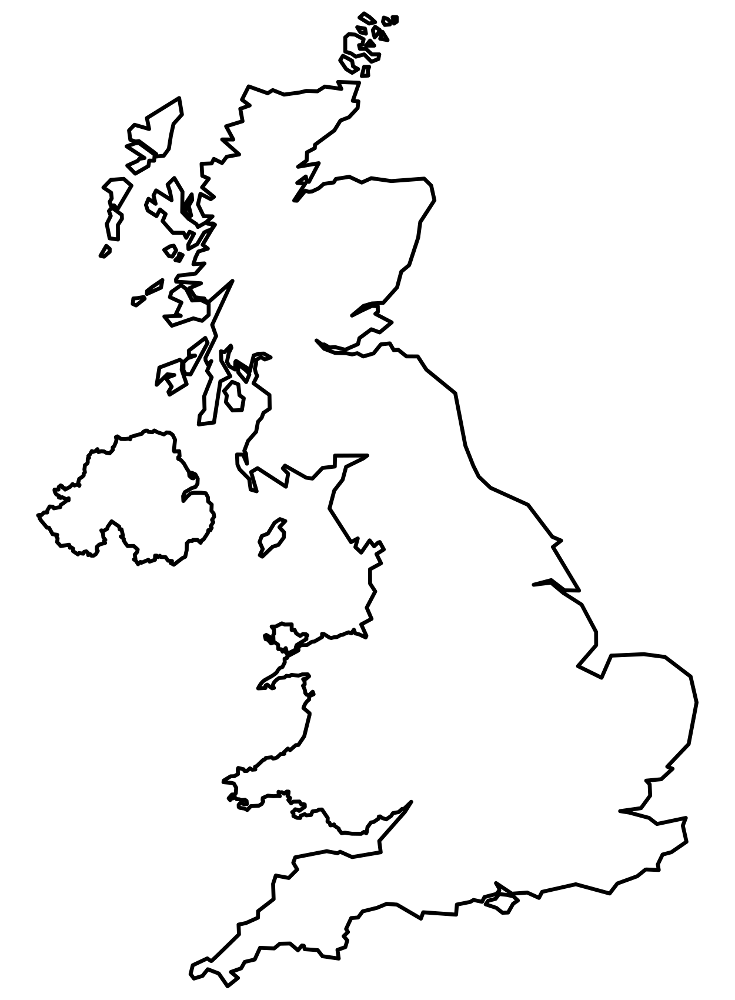
<qti-graphic-order-interaction response-identifier="RESPONSE"> <qti-prompt>Click the cities in order from north to south.</qti-prompt> <img src="/assets/qti-graphic-order-interaction/uk.png" height="280" width="206" /> <qti-hotspot-choice coords="78,102,8" identifier="A" shape="circle"></qti-hotspot-choice> <qti-hotspot-choice coords="117,171,8" identifier="B" shape="circle"></qti-hotspot-choice> <qti-hotspot-choice coords="166,227,8" identifier="C" shape="circle"></qti-hotspot-choice> <qti-hotspot-choice coords="100,102,8" identifier="D" shape="circle"></qti-hotspot-choice></qti-graphic-order-interaction>Each click assigns the next order number (shown via aria-ordervalue on the qti-hotspot-choice); clicking an already-ordered hotspot again removes it and renumbers the rest. Unlike Hotspot, this interaction doesn’t wait for the background image to finish loading before positioning hotspots — if you see misaligned hotspots on a slow-loading image, that’s why.