Select point interaction
3.2.17 Select Point Interaction — a graphic interaction in which the candidate’s task is to select one or more points on an image.
Also see the attributes shared by every interaction on the overview page. Unlike Hotspot or the graphic-* interactions, there are no predefined shapes — the candidate can click anywhere on the image, and the raw pixel coordinates become the response.
Example
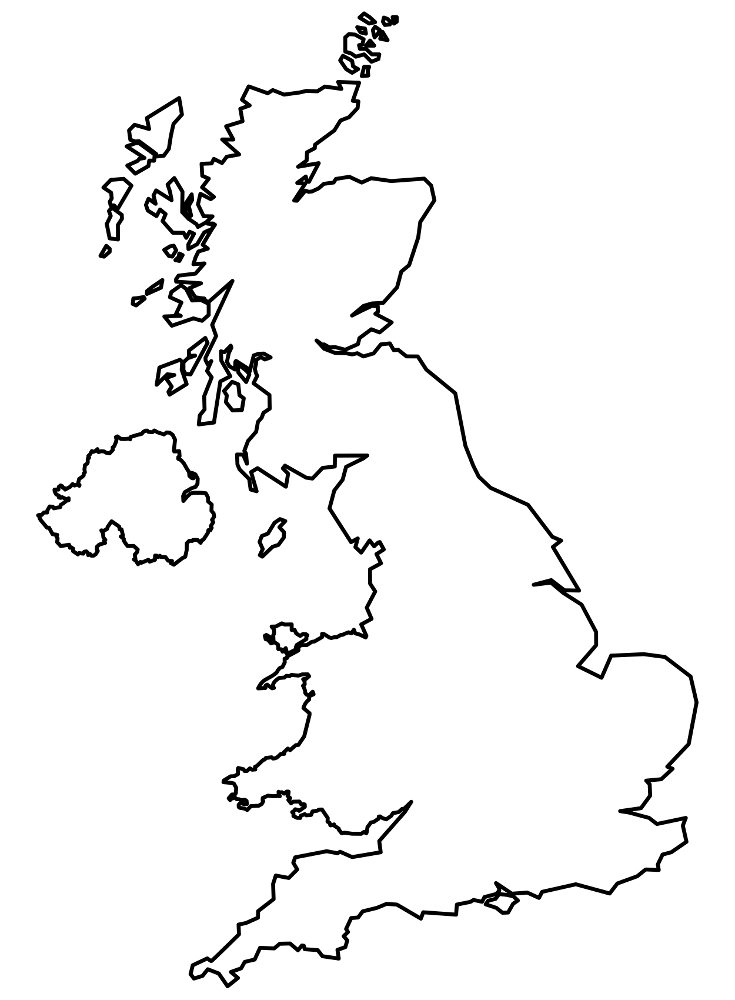
<qti-select-point-interaction response-identifier="RESPONSE" max-choices="1"> <qti-prompt>Mark Edinburgh on this map of the United Kingdom.</qti-prompt> <img src="/assets/qti-select-point-interaction/uk.png" height="280" width="206" /></qti-select-point-interaction>qti-select-point-interaction
| Attribute | Type | Default | Notes |
|---|---|---|---|
max-choices | number | unlimited | If 1, a new click replaces the existing point. If greater, clicks add points up to the limit. |
min-choices | number | 0 | Minimum number of points required for a valid response. |
The interaction finds its background image via this.querySelector('img') — it must be a direct/descendant <img>, not a CSS background. Response values are "x y" pixel-coordinate strings, scaled against the image’s natural vs. rendered size.