Hotspot interaction
3.2.6 Hotspot Interaction — a graphical interaction with a corresponding set of choices defined as areas of the image. The candidate selects one or more of the areas (hotspots).
Also see the attributes shared by every interaction on the overview page, and min-choices/max-choices from ChoicesMixin.
Example
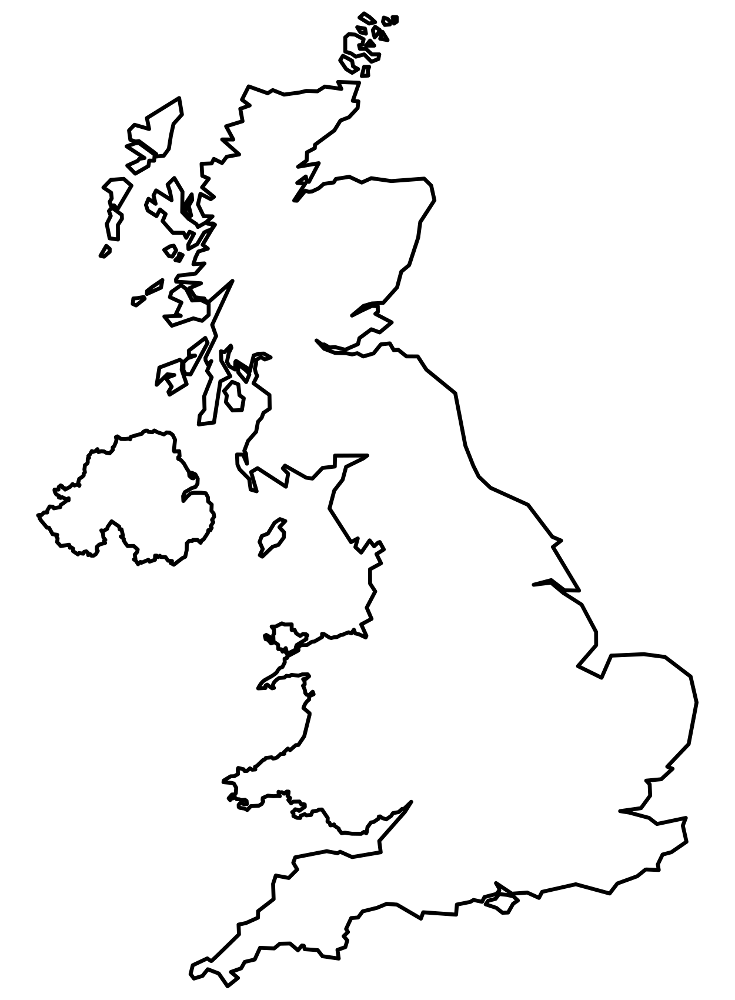
<qti-hotspot-interaction response-identifier="RESPONSE" max-choices="1"> <qti-prompt>Select Edinburgh on this map of the United Kingdom.</qti-prompt> <img src="/assets/qti-hotspot-interaction/uk.png" height="280" width="206" /> <qti-hotspot-choice coords="77,115,10" identifier="A" shape="circle"></qti-hotspot-choice> <qti-hotspot-choice coords="118,184,10" identifier="B" shape="circle"></qti-hotspot-choice> <qti-hotspot-choice coords="150,235,10" identifier="C" shape="circle"></qti-hotspot-choice> <qti-hotspot-choice coords="96,114,10" identifier="D" shape="circle"></qti-hotspot-choice></qti-hotspot-interaction>Unlike Graphic order, this interaction waits for the background <img> to finish loading before positioning hotspots, so it also works correctly the first time an image loads slowly.
qti-hotspot-choice
Shared with Graphic order.
| Attribute | Notes |
|---|---|
identifier | |
coords | Plain attribute; format depends on shape (e.g. x,y,radius for a circle). |
shape | rect | circle | poly | ellipse. |